Can I import Excel files into Salesforce without converting them to CSV?
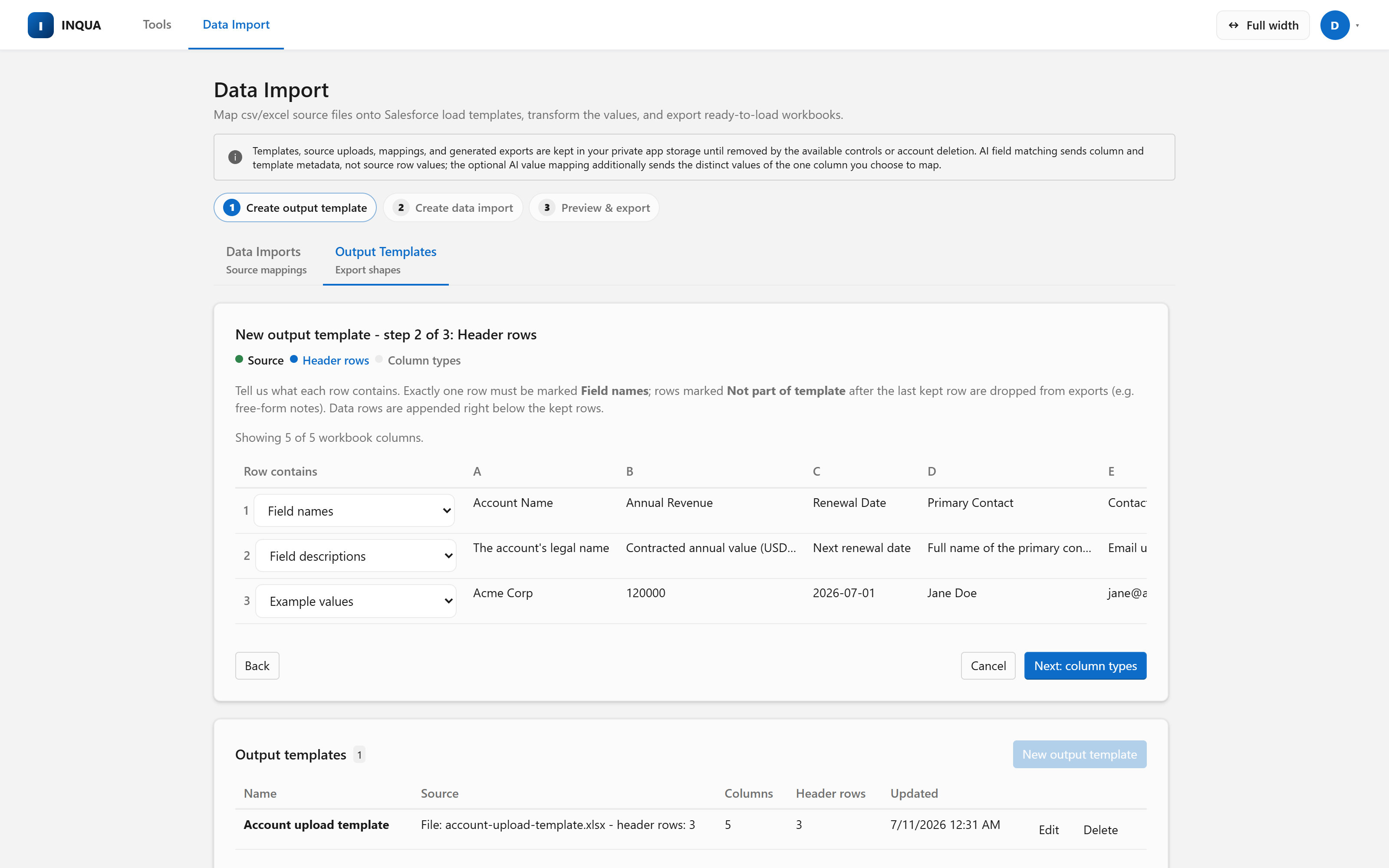
Yes. Data Import reads .xlsx and .xlsm workbooks natively, along with .csv and .txt files. It detects common text encodings, drops blank rows, and reads cached Excel dates, numbers, and formula values. Legacy .xls files need a one-time re-save as .xlsx.
Does this product export records from Salesforce?
No. It does not retrieve Salesforce records and export them to CSV or Excel. The workbook path generates a typed, load-shaped workbook from source files and a load template that you uploaded. The direct path sends those prepared rows into Salesforce. Reverse requires you to upload a Salesforce re-export that you created elsewhere.
Do I need to connect my Salesforce org to use the Data Import tool?
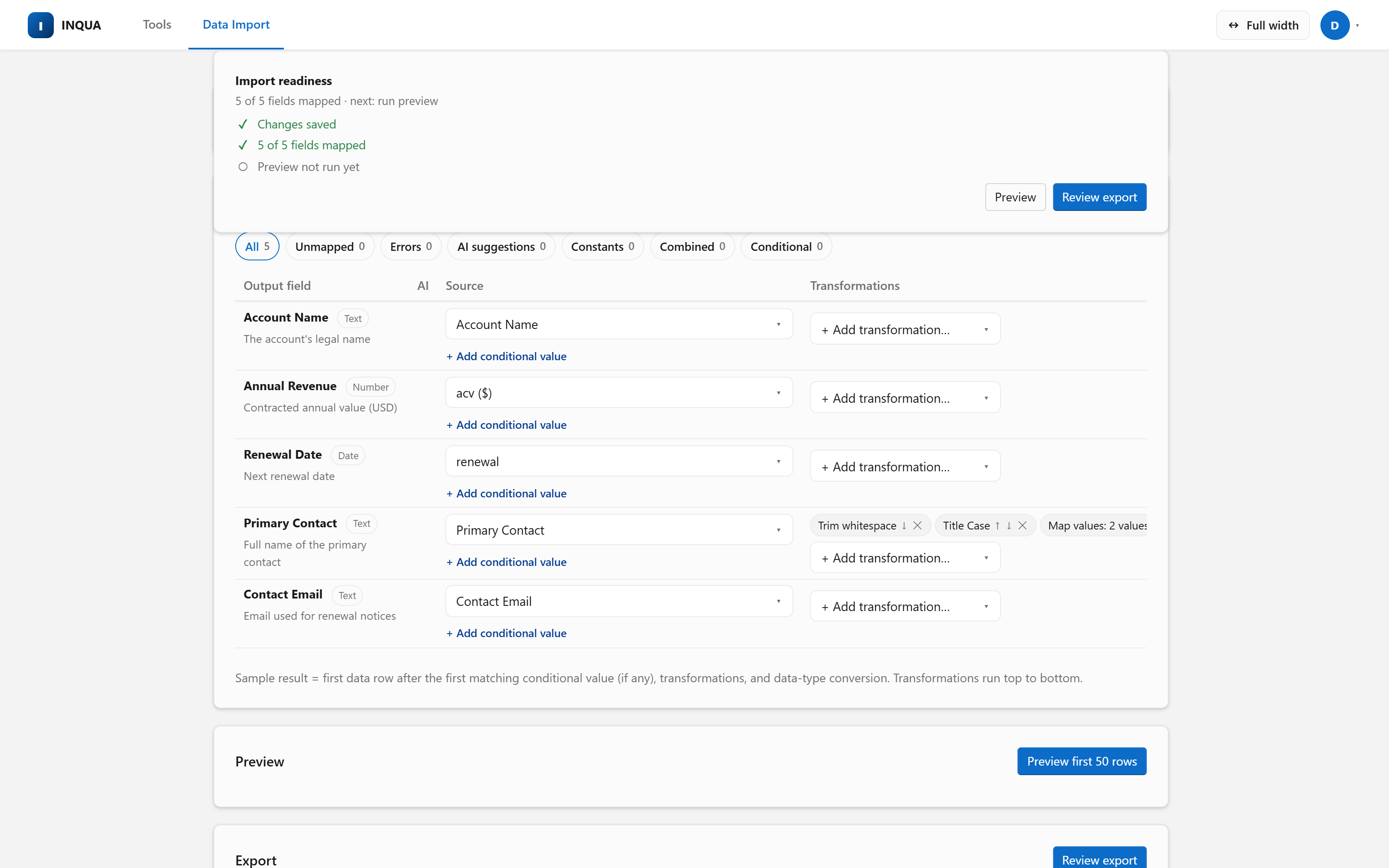
No. Upload the Excel load template your process already uses, map your source files onto it, and download the reviewed, typed workbook. Connecting Salesforce adds a separate target type built from createable object metadata and accepted picklist values, with optional Bulk API 2.0 inserts and External-ID upserts.
Can Data Import update or delete my Salesforce records?
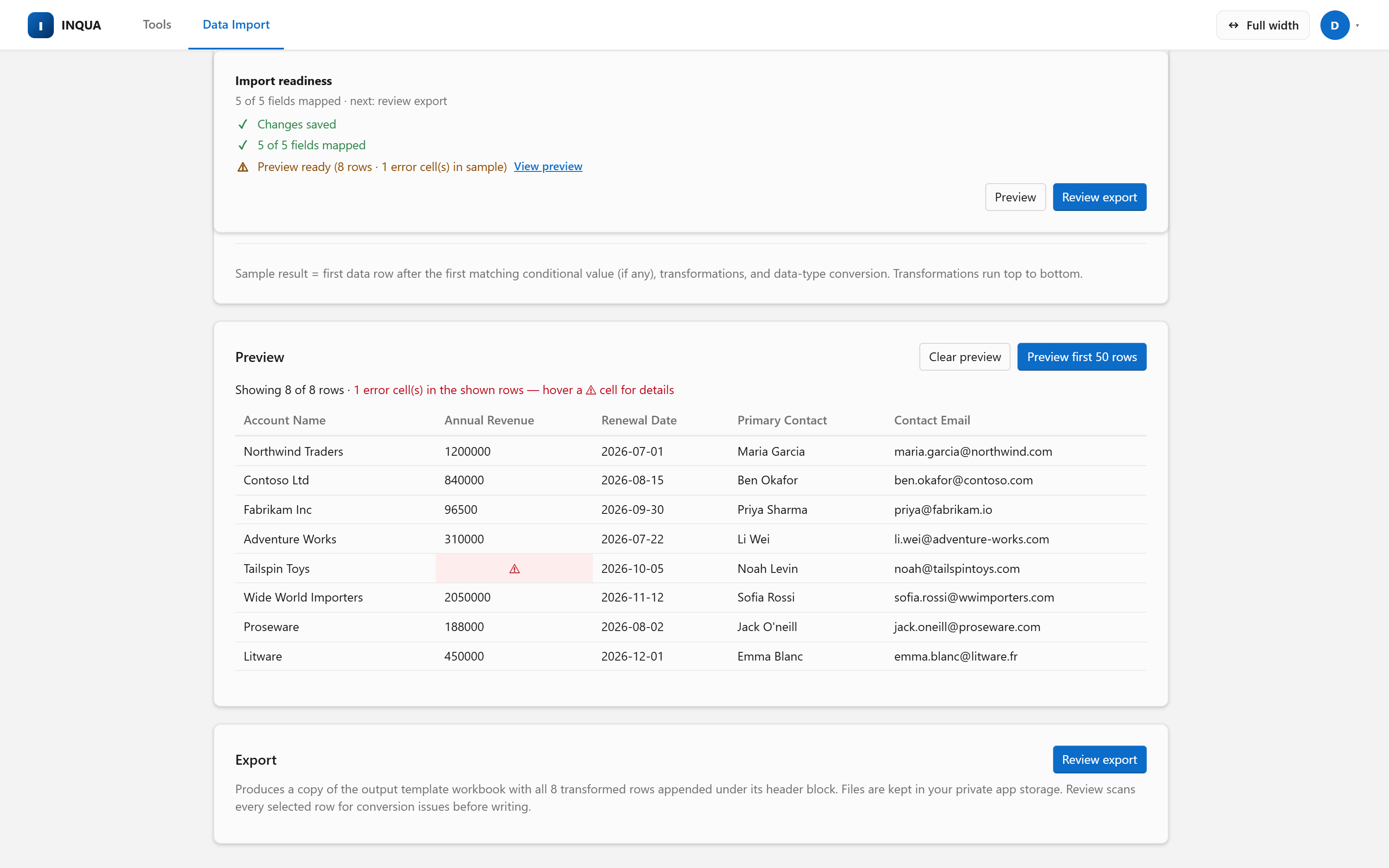
It can update — but only as an upsert matched on an External ID field you pick, so re-running a load updates existing records instead of duplicating them. It can never delete. Every upload still requires a preview, a review naming the target object and exact row count, and a separate explicit confirmation — and a payload identical to your last upload is refused unless you explicitly allow the repeat.
Can I combine multiple source files into one import?
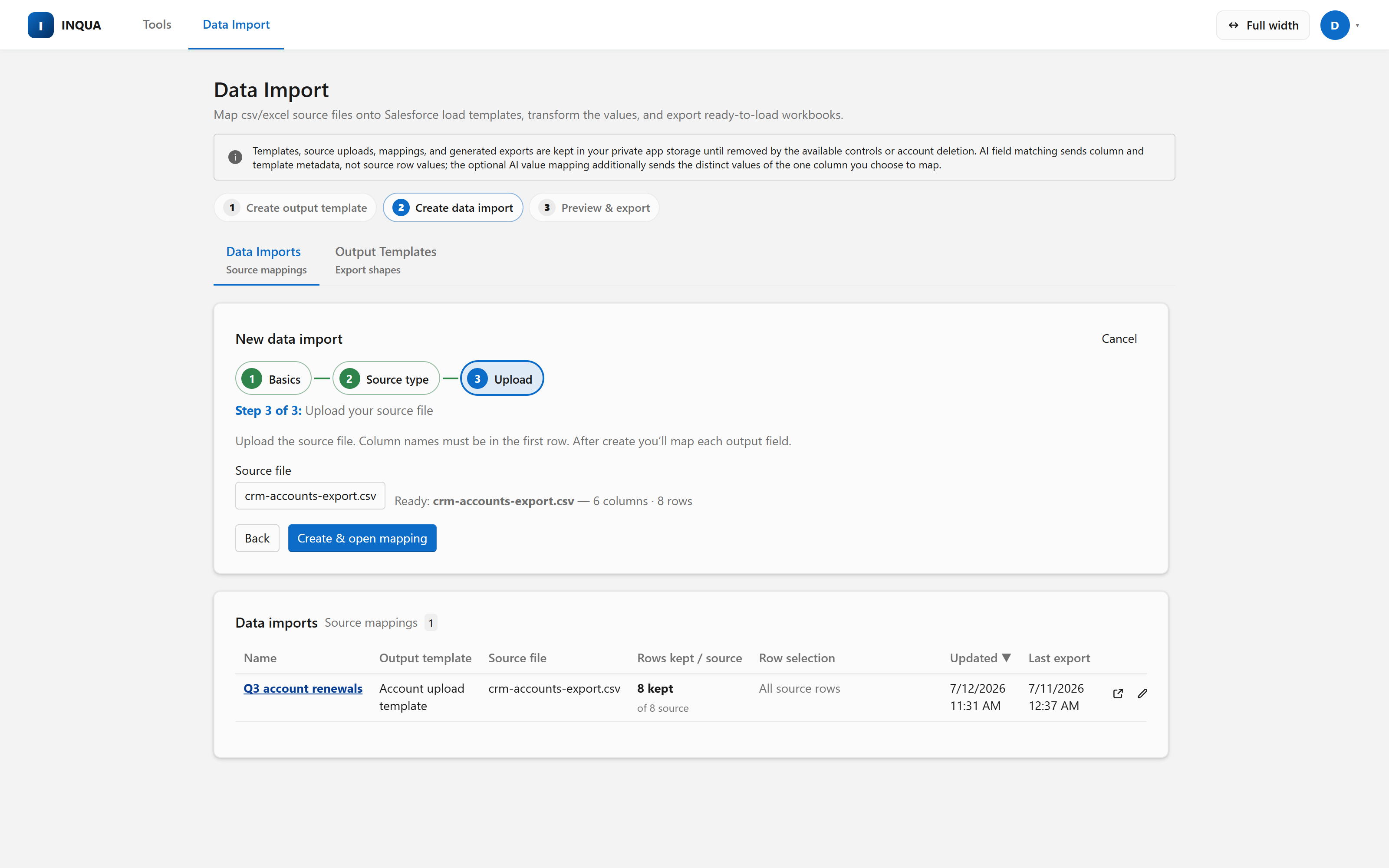
Yes. A primary file drives the rows and up to four lookup files join by key columns — with match percentages, empty-key counts, and sample unmatched keys shown before the import is created, so you see data-quality problems before a single record exists.
What does AI field matching send to the AI provider?
Field matching sends output-field metadata and source header names — never source row values. The opt-in value-matching tool is a separate disclosed action that sends the distinct values of one chosen source column plus the target's accepted picklist values. Suggestions remain unsaved and reviewable.
Is INQUA a Salesforce Data Loader alternative?
For preparation-heavy inserts and External-ID upserts, yes. INQUA adds native Excel input, multi-file joins, reusable mappings, transformations, row rules, and typed preflight review. Keep Salesforce Data Loader for record exports, update by record ID, delete or hard delete, and command-line automation.
What Data Import files does INQUA store?
Data Import stores your private source uploads, output templates, prepared workbooks, and saved recipes until you remove them. Account deletion removes the active application copies.